Booking and scheduling
Customers book online, and staff see each day's jobs on a calendar, person by person.
Web apps & tools
Booking tools, customer portals and dashboards that sit alongside your website and take repetitive work off your desk. For firms that know something is slowing them down and want someone to work out what would fix it.
What gets built
Customers book online, and staff see each day's jobs on a calendar, person by person.
Your customers log in to see their orders, documents and progress, without phoning the office.
The figures you check every week, drawn live from your records onto one screen.
Quotes built from your price list, turned into invoices and passed to your accounts package.
Forms, photos and signatures captured on a phone and saved straight to the office system.
An assistant that answers questions from your own records, in text or by voice.
How it works
How the work is done today, where time is lost, and the one thing a tool should fix first.
Screens and flows designed and shown to you before the build, so changes are made while they are cheap.
One tool that solves one problem, in use early and tested with real data. More is added once it has proved itself.
Recent work

Property services for probate
Prospect looks after properties during probate on behalf of solicitors. One system runs the whole operation, from the first instruction on a property to the final invoice.
Visit site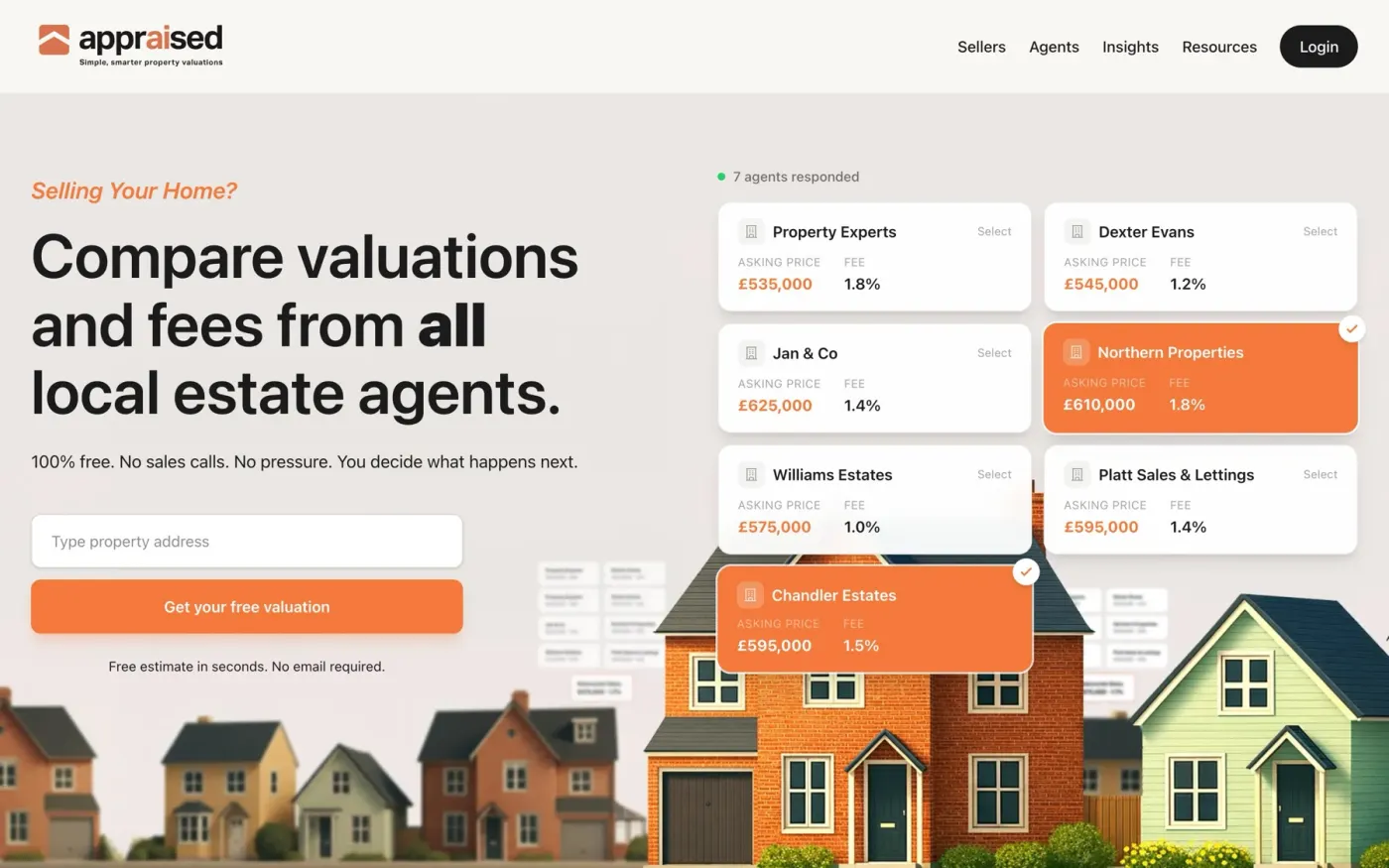
Property valuations and agent comparison
Appraised lets a homeowner compare valuations and fees from local estate agents. Behind the public site sit three separate areas, each with its own login.
Visit site
Directory
A directory of classic car clubs across the UK, managed day to day by Zenified.
Visit siteThe technology
Login by password or with Google, and each person sees only what their role allows.
Records held in a managed, backed-up database, not in files on one person's laptop.
Built on modern, widely used frameworks, so it is fast today and can be maintained for years.
The same system on a desk, on a tablet or on a phone out on site.
Accounts, email, payments and maps exchange data with the system automatically.
Who did what and when, with earlier versions of documents kept.
Questions
That is the usual starting point. A first conversation covers how the work is done today and where the time goes, and ends with a plain recommendation. Sometimes that is an existing product and no build at all.
No. Each tool is written for the firm that uses it. Proven parts are used where they exist, such as logins, payments and databases, and everything else is built to fit.
Usually, yes. Most accounting, email and payment tools can be connected. Which ones, and how, is settled during scoping.
Yes. A tool built this way can keep growing, one part at a time, into the system that runs the whole operation.
Every project gets a fixed quote after a short conversation about what it needs to do. The scope sets the price, so you know the figure before any work starts.
Tell Zenified what you need in a few lines, and the conversation starts from there.
Or email hello@zenified.uk